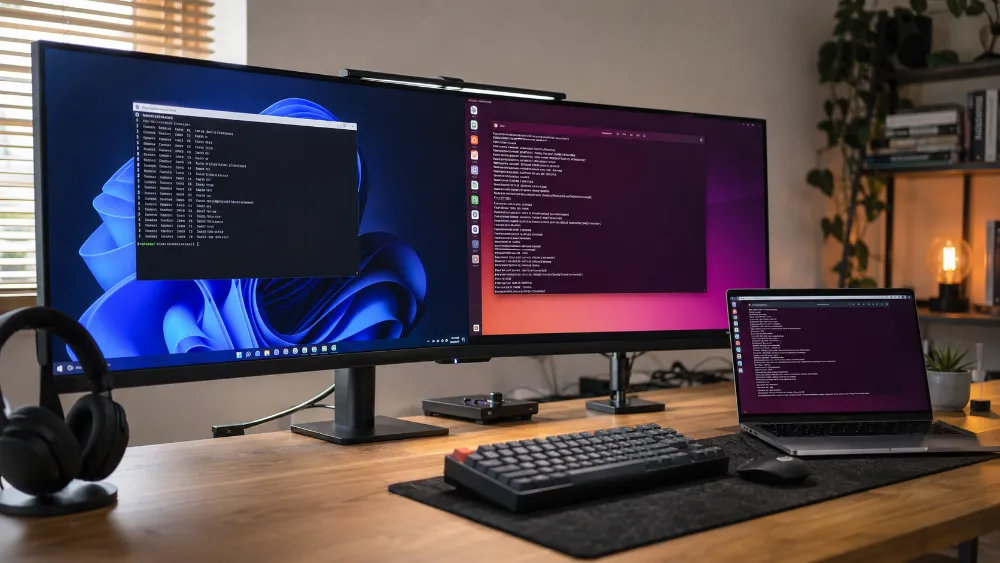
Technical Experience — Linux, Ubuntu, WSL & Cross-Platform CLI Operations
Experience Area: Linux, Ubuntu, Windows Subsystem for Linux, Command-Line Development & Cross-Platform Operations
Environments: Windows PC, Ubuntu through WSL, Raspberry Pi Linux, Remote SSH Sessions
Used With: Docker, Docker Compose, n8n, Node.js, Git, AI Coding Agents, WordPress Development, Self-Hosted Services
My Main Workstation Is Windows, But My Technical Work Is Not Windows-Only
I use Windows as my primary desktop environment.
But many of the tools and services I work with are more naturally operated in Linux.
Instead of forcing everything into one operating system, I became comfortable working across:
- Windows
- Ubuntu through WSL
- Linux on Raspberry Pi 5
- Remote Linux sessions through SSH
That cross-platform experience became useful because modern development work rarely stays inside one operating system.
WSL Gave Me Linux Without Leaving My Windows Workstation
Ubuntu through Windows Subsystem for Linux gave me a practical middle ground.
I could keep Windows as my main desktop while still using a Linux shell for tools and workflows that are easier to run in a Linux environment.
This has been useful for command-line development work, package/tool installation, repository operations and testing Linux-oriented workflows without needing a separate physical machine for every task.
The important part for me was not simply opening Ubuntu inside Windows.
It was becoming comfortable moving between two operating environments on the same machine.
Cross-Platform Filesystems Taught Me to Pay Attention to Paths
One of the first practical differences between Windows and Linux is filesystem behavior.
A path that works on Windows may not work the same way inside Linux.
Case sensitivity, separators, mounted drives and permissions can all become relevant.
This became especially important when working with:
- Docker
- Git repositories
- Node.js projects
- CLI tools
- scripts
- configuration files
- container volume mappings
Working across Windows and WSL taught me not to assume the host filesystem is invisible to the application.
Then Raspberry Pi Made Linux a Real Server Environment
WSL is useful for development.
Raspberry Pi 5 made Linux operational.
On the Pi, Linux is not a compatibility layer beside Windows.
It is the host operating system for real services.
I use the terminal and SSH to manage an always-on environment running containerized automation infrastructure.
That means CLI work became necessary for things such as:
- checking service status
- running Docker commands
- managing Docker Compose stacks
- reading logs
- editing or inspecting configuration
- restarting services
- checking network behavior
- troubleshooting application failures
SSH Became the Normal Way to Work With the Server
I do not need a monitor, keyboard and desktop UI attached to the Raspberry Pi every time I want to manage it.
I can connect remotely through SSH and operate the server from another machine.
This is a small technical skill, but it changes how I think about servers.
A server does not need to be operated like a desktop PC.
The terminal is often the cleaner interface.
The CLI Became More Than “Typing Commands”
As I worked more with Linux, Docker, Git and AI coding agents, the command line became part of my normal workflow.
I use CLI tools for:
- navigating files and directories
- running development commands
- starting and stopping services
- reading logs
- Git operations
- Docker and Compose
- Node/npm commands
- AI coding agents
- environment checks
- remote server work
This is useful because many developer and infrastructure tools expose their full capabilities through CLI before they expose them through a GUI.
AI Coding Agents Made CLI Experience More Valuable
Tools such as Codex CLI, Claude Code, Gemini CLI and other coding agents operate close to the shell and repository.
That means understanding the environment they are operating in matters.
I need to understand what directory the agent is in, which repository it can see, which commands it is running and what the host operating system expects.
AI agents can execute commands for me, but that does not remove the need to understand the commands.
If anything, it makes environment awareness more important because an agent can make changes quickly.
Linux Experience Also Improved My Docker Troubleshooting
Docker problems are often not only Docker problems.
A container can fail because of:
- host permissions
- filesystem paths
- network configuration
- environment variables
- mounted directories
- resource limits
- architecture differences
Working directly with Linux helped me understand the layer underneath the container runtime.
This became especially important when I migrated containerized services from Windows PC environments to Raspberry Pi 5.
Ubuntu / WSL Helped Bridge Development and Linux Deployment
One reason I value WSL is that it reduces the mental gap between Windows development and Linux deployment.
I can test commands and Linux-oriented tooling locally before working on a remote Linux machine.
I still treat WSL and a real Linux server as different environments.
But working with both makes it easier to understand which parts of a workflow are portable and which parts depend on the host.
I Do Not Treat Linux as a Badge
I do not describe myself as an advanced Linux administrator.
My Linux experience is practical and connected to the work I actually do:
- self-hosting
- Docker
- automation
- development
- Git
- CLI-based AI tools
- remote service management
That is enough to make Linux a real part of my technical stack without overstating the depth of my role.
What Cross-Platform Experience Changed for Me
Working across Windows, Ubuntu/WSL and Raspberry Pi Linux taught me to separate the application from the assumptions of the machine I am currently sitting in front of.
I now naturally think about:
- host operating system
- filesystem differences
- path conventions
- permissions
- networking
- available runtimes
- environment variables
- CPU architecture
- remote vs local execution
That becomes important whenever code moves from development into another machine.
The Biggest Lesson
The value of Linux and WSL experience is not that I can open a terminal.
It is that I can move between Windows development, Linux-compatible workflows and a real Linux server without treating each environment as a completely separate world.
Cross-platform development becomes much easier when I understand what belongs to the application, what belongs to the runtime, and what belongs to the host operating system.
Skills & Technologies Demonstrated
Linux · Ubuntu · Windows Subsystem for Linux (WSL) · Windows · Raspberry Pi Linux · SSH · Command Line · Bash/Terminal Operations · Filesystem Navigation · Cross-Platform Paths · Environment Variables · Remote Server Management · Docker CLI · Docker Compose CLI · Git CLI · Node.js / npm CLI · AI Coding Agents · Self-Hosted Services · Networking Troubleshooting · Cross-Platform Development